Python Conditional Statements: If, Elif, and Else Explained
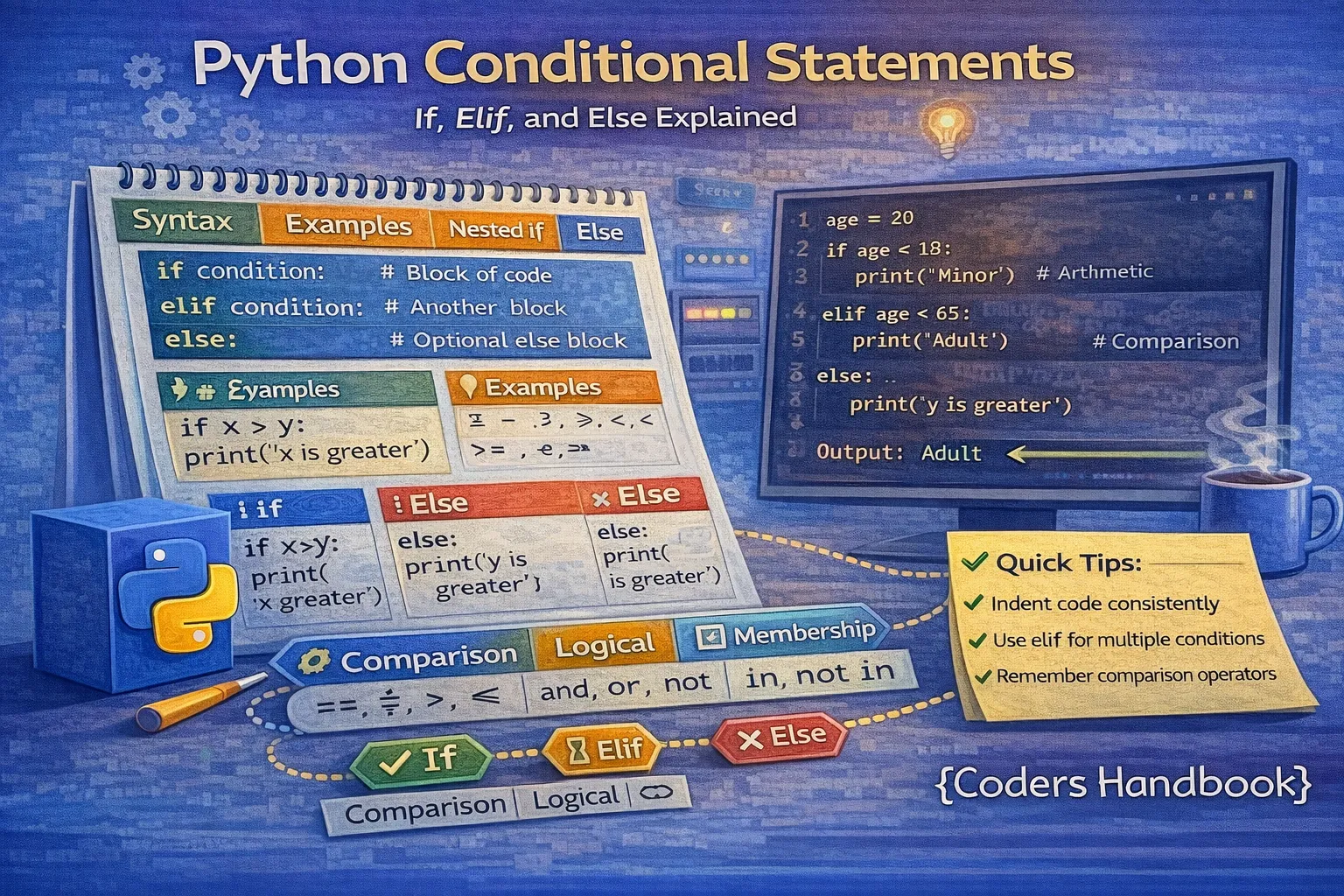
Conditional statements form the backbone of decision-making in programming, enabling your code to execute different actions based on whether specific conditions evaluate to True or False. Python's conditional statements—if, elif, and else—provide a clean, readable syntax for implementing complex logic flows, from simple true/false checks to multi-level decision trees evaluating numerous possibilities. Mastering these control structures is essential for building interactive applications that respond to user input, validating data before processing, implementing business logic with multiple branches, and creating intelligent programs that adapt behavior based on changing conditions.
This comprehensive guide explores fundamental if statements that execute code when conditions are met, elif statements that chain multiple conditions efficiently, else statements that handle all remaining cases, nested conditionals for complex decision hierarchies, ternary operators for concise single-line conditionals, and best practices for writing clean, maintainable conditional logic. Whether you're a beginner learning Python fundamentals or an experienced developer refining your code quality, understanding these concepts deeply will dramatically improve your programming capabilities.
Understanding the If Statement
The if statement is Python's most basic conditional structure, executing a block of code only when a specified condition evaluates to True. Python uses indentation (typically 4 spaces or one tab) to define code blocks belonging to the if statement, with all indented lines after the if statement executing when the condition is met. The condition can be any expression returning a boolean value, including comparisons using operators like ==, !=, >, <, >=, and <=, logical operations combining conditions with and and or, membership tests using in, and function calls returning True or False.
Basic If Statement Syntax
# Basic If Statement Examples
age = 18

# Simple condition
if age >= 18:
    print("You are an adult")  # Executes because condition is True

# Multiple statements in if block
score = 85
if score >= 80:
    print("Excellent score!")
    print("You passed with distinction")
    print("Congratulations!")

# Conditions with logical operators
password = "SecurePass123"
if len(password) >= 8 and any(c.isdigit() for c in password):
    print("Password meets requirements")

# Using 'in' operator
user_role = "admin"
if user_role in ["admin", "moderator"]:
    print("Access granted to management panel")
If statements evaluate their conditions using Python's truthiness rules, where values like 0, '' (empty string), [] (empty list), None, and False are considered falsy, while non-zero numbers, non-empty strings and collections, and True are truthy. This enables concise checks like if data: to verify a list contains elements or if username: to ensure a string isn't empty, making code more readable and Pythonic.
The If-Else Statement
The if-else statement extends basic if logic by providing an alternative code block that executes when the condition is False, ensuring one of two paths always executes. This binary decision structure is perfect for true/false scenarios like login success or failure, valid or invalid input, and present or absent conditions. The else clause requires no condition since it catches all cases where the if condition evaluates to False, creating complete coverage of possibilities and eliminating the need to write inverse conditions.
If-Else Syntax and Examples
# If-Else Statement Examples
age = 16

if age >= 18:
    print("You can vote")
else:
    print("You cannot vote yet")

# User authentication
username = "alice"
password = "secret123"

if username == "alice" and password == "secret123":
    print("Login successful")
    print("Welcome back!")
else:
    print("Login failed")
    print("Invalid credentials")

# Even or odd checker
num = 17
if num % 2 == 0:
    print(f"{num} is even")
else:
    print(f"{num} is odd")

# Discount calculator
purchase_amount = 150

if purchase_amount >= 100:
    discount = purchase_amount * 0.10
    final_price = purchase_amount - discount
    print(f"10% discount applied! Final: ${final_price:.2f}")
else:
    print(f"Total: ${purchase_amount:.2f}")
    print("Spend $100+ for 10% discount")
If-else statements ensure your program handles both success and failure cases explicitly, preventing undefined behavior when conditions aren't met. This pattern appears frequently in input validation where you either accept valid data or reject invalid input with error messages, in authentication systems choosing between granting access or denying it, and in data processing pipelines deciding whether to process records or skip them based on quality checks.
The If-Elif-Else Statement
The if-elif-else statement allows testing multiple conditions in sequence, with Python evaluating each condition in order until one is True or the else clause is reached. The elif (short for 'else if') clause provides a more efficient and readable alternative to nested if statements for mutually exclusive conditions. Python stops checking conditions as soon as one evaluates to True, improving performance by avoiding unnecessary comparisons and ensuring only one code block executes even if multiple conditions could theoretically be true.
Elif Chain Syntax and Usage
# If-Elif-Else Statement Examples
score = 85

# Grade classification
if score >= 90:
    grade = 'A'
    message = "Excellent!"
elif score >= 80:
    grade = 'B'
    message = "Good job!"
elif score >= 70:
    grade = 'C'
    message = "Satisfactory"
elif score >= 60:
    grade = 'D'
    message = "Needs improvement"
else:
    grade = 'F'
    message = "Failed"

print(f"Score: {score}, Grade: {grade}")
print(f"Comment: {message}")

# Temperature classification
temp = 28

if temp >= 30:
    print("It's hot outside")
elif temp >= 20:
    print("The weather is pleasant")
elif temp >= 10:
    print("It's cool outside")
else:
    print("It's cold outside")

# Shipping cost calculator
weight = 5  # kg
distance = 150  # km

if weight <= 1 and distance <= 50:
    shipping_cost = 5.00
elif weight <= 1 and distance <= 100:
    shipping_cost = 8.00
elif weight <= 5 and distance <= 50:
    shipping_cost = 10.00
elif weight <= 5 and distance <= 100:
    shipping_cost = 15.00
else:
    shipping_cost = 40.00

print(f"Shipping cost: ${shipping_cost:.2f}")
You can chain as many elif clauses as needed for complex decision trees, though excessive chaining (more than 5-7 conditions) often indicates opportunities for refactoring using dictionaries for lookup-based logic, match statements (Python 3.10+) for pattern matching, or breaking logic into separate functions. The final else clause is optional but recommended as it handles unexpected cases gracefully, providing a default action when none of the explicit conditions match.
score >= 60 before score >= 90, a score of 95 would match the first condition and never reach the more specific one. Always order conditions from most specific to least specific.Nested Conditional Statements
Nested conditionals place if statements inside other if statements, creating hierarchical decision trees for complex logic requiring multiple levels of evaluation. While powerful for representing intricate decision structures, excessive nesting reduces readability and maintainability, often indicating opportunities to refactor using elif chains, logical operators combining multiple conditions into single checks, or extracting logic into separate functions that return early. Each level of nesting increases cognitive load, making code harder to understand and debug.
When to Use and Avoid Nesting
# Nested Conditional Examples
age = 25
ticket_type = "premium"

# Nested pricing logic
if age < 18:
    if ticket_type == "standard":
        price = 10
    else:
        price = 15
    print("Youth discount applied")
elif age >= 60:
    if ticket_type == "standard":
        price = 12
    else:
        price = 18
    print("Senior discount applied")
else:
    if ticket_type == "standard":
        price = 20
    else:
        price = 30
    print("Regular pricing")

print(f"Ticket price: ${price}")

# Better approach: Flattened with early returns
def check_eligibility(age, has_license, experience_years):
    """Check driving eligibility with early returns"""
    if age < 18:
        return "Not eligible - too young"

    if not has_license:
        return "Not eligible - no license"

    if experience_years < 2:
        return "Eligible for learner's permit only"

    return "Fully eligible to drive"

result = check_eligibility(25, True, 5)
print(result)
A good rule of thumb is to avoid nesting more than 2-3 levels deep. When you find yourself writing deeply nested conditions, consider using guard clauses that check for invalid conditions early and return or raise exceptions immediately, flattening complex conditions by combining them with and/or operators, extracting validation logic into separate functions with clear names, or using data structures like dictionaries to map conditions to actions rather than encoding logic in nested if statements.
Ternary Operator (Conditional Expression)
The ternary operator provides a concise syntax for simple if-else statements in a single line, using the format value_if_true if condition else value_if_false. This operator is perfect for straightforward assignments or return statements based on a single condition, improving code brevity without sacrificing readability. However, avoid overusing ternary operators for complex conditions or nesting them deeply, as this quickly becomes difficult to understand and maintain, negating the readability benefits.
Ternary Operator Examples
# Ternary Operator Examples
age = 20

# Basic ternary operator
status = "Adult" if age >= 18 else "Minor"
print(f"Age: {age}, Status: {status}")

# Even or odd check
number = 16
parity = "even" if number % 2 == 0 else "odd"
print(f"{number} is {parity}")

# Pass or fail
score = 85
result = "Pass" if score >= 60 else "Fail"
print(f"Score: {score}, Result: {result}")

# Maximum/minimum selection
a, b = 45, 30
max_value = a if a > b else b
min_value = a if a < b else b
print(f"Max: {max_value}, Min: {min_value}")

# Setting default values
username = ""
display_name = username if username else "Guest"
print(f"Display name: {display_name}")

# Function return with ternary
def get_discount(amount):
    return amount * 0.10 if amount >= 100 else 0

purchase = 150
print(f"Discount: ${get_discount(purchase):.2f}")

# Nested ternary (use sparingly!)
score = 75
grade = "A" if score >= 90 else "B" if score >= 80 else "C" if score >= 70 else "F"
print(f"Grade: {grade}")Best Practices and Common Patterns
Writing clean conditional logic requires attention to readability, efficiency, and maintainability. Following established best practices helps create code that's easy to understand, test, and modify as requirements evolve. These patterns have emerged from decades of programming experience and represent proven approaches to common conditional logic challenges.
Use Meaningful Variable Names
# Use meaningful variable names
user_age = 25
has_valid_license = True
years_of_experience = 3

if user_age >= 18 and has_valid_license and years_of_experience >= 2:
    print("Eligible to rent a car")

# Boolean variables don't need comparison
is_active = True

# Don't do: if is_active == True:
if is_active:  # Cleaner and more Pythonic
    print("Account is active")

# For False: if not is_active:
if not is_active:
    print("Account is inactive")
Simplify Complex Conditions
- Use 'in' for multiple equality checks: Instead of
role == 'admin' or role == 'editor' or role == 'moderator', writerole in ['admin', 'editor', 'moderator']for cleaner, more maintainable code - Chain comparison operators: Python allows chaining like
18 <= age <= 65instead ofage >= 18 and age <= 65, making range checks more readable and closer to mathematical notation - Use guard clauses for early returns: Check for invalid conditions first and return immediately, reducing nesting and making the main logic flow clearer
- Extract complex conditions to variables: Assign boolean expressions to well-named variables like
is_eligible_for_discount = age >= 65 or is_studentto document intent - Avoid deep nesting: If you have more than 2-3 levels of nesting, refactor using elif chains, combine conditions with logical operators, or extract logic into separate functions
- Be explicit with None checks: Use
if value is None:instead ofif not value:when specifically checking for None, as falsy values include 0, empty strings, and empty collections
Alternatives to Long If-Elif Chains
# Dictionary mapping instead of long if-elif chain
def get_day_activity(day):
    """Use dictionary for cleaner code"""
    activities = {
        "Monday": "Team standup",
        "Tuesday": "Code review",
        "Wednesday": "Project planning",
        "Thursday": "Sprint demo",
        "Friday": "Retrospective",
        "Saturday": "Rest",
        "Sunday": "Rest"
    }
    return activities.get(day, "Regular work day")

print(get_day_activity("Wednesday"))

# Using all() and any() for multiple conditions
numbers = [2, 4, 6, 8, 10]

if all(n % 2 == 0 for n in numbers):
    print("All numbers are even")

if any(n > 5 for n in numbers):
print("At least one number is greater than 5")Conclusion
Mastering Python's conditional statements—if, elif, and else—is fundamental to writing programs that make intelligent decisions based on runtime conditions, user input, and computed values. Simple if statements execute code blocks when single conditions are met, providing the foundation for all conditional logic in Python. The if-else statement extends this by providing binary decision paths, ensuring one branch always executes and creating complete coverage for true/false scenarios like authentication, validation, and feature toggling. The if-elif-else chain efficiently evaluates multiple mutually exclusive conditions by testing them sequentially and stopping at the first match, making it ideal for grade classification, tiered pricing, status categorization, and other multi-option decisions.
Nested conditionals enable complex decision hierarchies for situations requiring multiple levels of evaluation, though excessive nesting harms readability and often signals opportunities for refactoring through guard clauses, flattened conditions, or function extraction. The ternary operator provides elegant single-line conditionals perfect for simple assignments and returns, balancing brevity with clarity when used appropriately but becoming cryptic when overused or nested. Best practices emphasize using meaningful variable names for self-documenting conditions, simplifying complex logic through the 'in' operator and comparison chaining, implementing guard clauses for early returns, extracting boolean expressions to named variables, avoiding deep nesting, and considering dictionaries or match statements for long if-elif chains. By understanding these conditional structures deeply, their appropriate use cases, performance characteristics, and established patterns, you gain the expertise to implement decision-making logic that's readable, maintainable, efficient, and correct, forming the foundation for sophisticated applications that respond intelligently to diverse conditions in production environments.
$ share --platform
$ cat /comments/ (0)
$ cat /comments/
// No comments found. Be the first!


