PostgreSQL for Application Developers: A Comprehensive Guide
PostgreSQL for Application Developers: A Comprehensive Guide
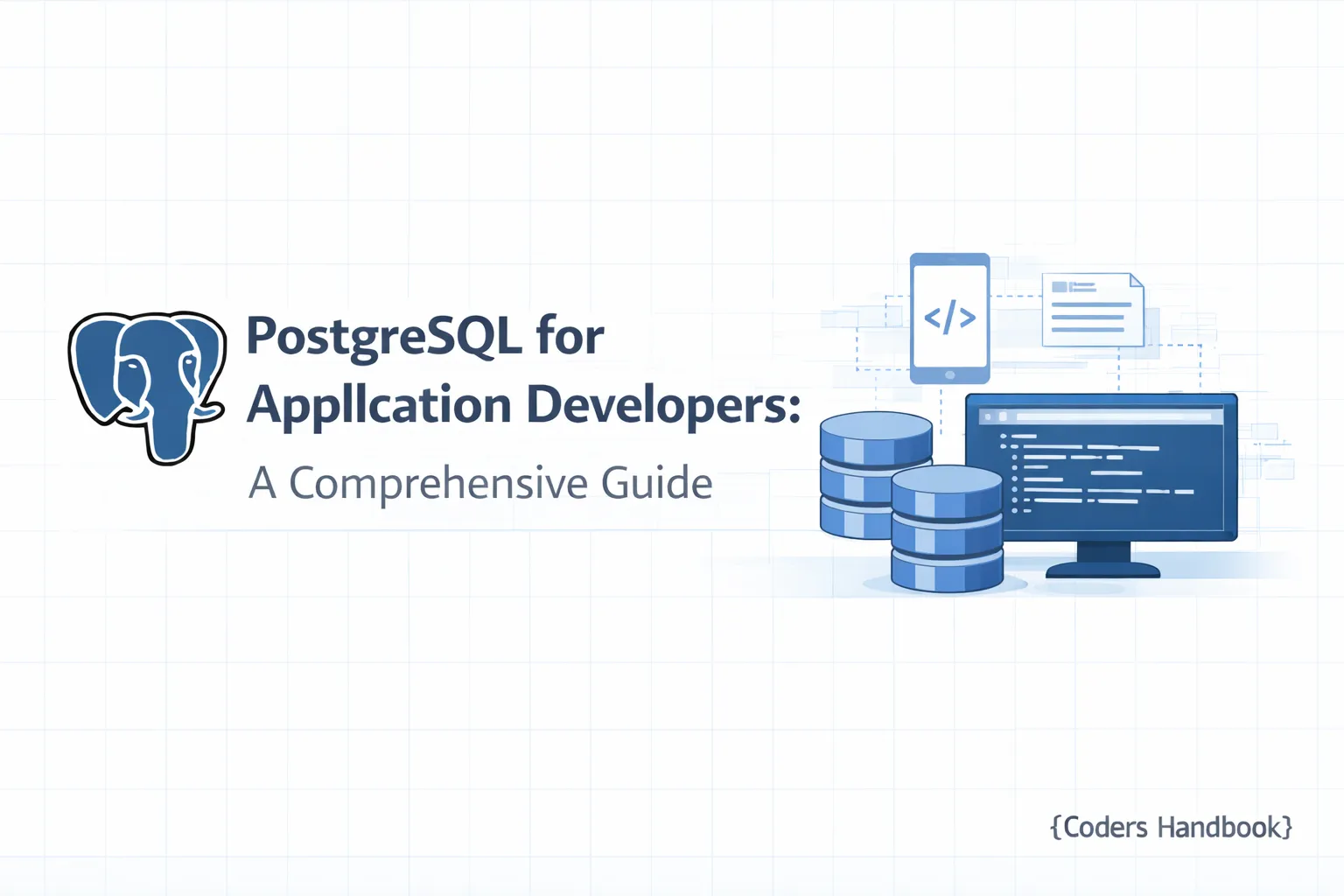
Welcome to Part 10 of our "PostgreSQL Complete Guide: Beginner to Advanced." In this section, we’ll explore PostgreSQL from the perspective of application development, specifically focusing on how to integrate it with popular frameworks like Laravel and Node.js. PostgreSQL is a powerful, open-source object-relational database system that boasts a rich set of features. By the end of this tutorial, you will understand how to set up PostgreSQL, leverage its advanced capabilities, and avoid common pitfalls in your applications.
Prerequisites
Before diving into this guide, ensure you have the following:
- Basic understanding of PostgreSQL (refer to Parts 1-9 of our series).
- Installed PostgreSQL on your local machine or server.
- Basic knowledge of Laravel or Node.js.
- Composer installed for PHP/Laravel projects and Node.js environment set up with npm.
Understanding PostgreSQL: An Overview for Application Developers
PostgreSQL is known for its stability, scalability, and support for advanced data types like JSONB. It provides several advantages for application developers, including:
- Robust Transactions: Ensures data integrity through ACID compliance.
- Rich Data Types: Supports structured, semi-structured, and unstructured data.
- Extensibility: Custom functions and data types can be created easily.
- Performance: Advanced indexing and query optimization features enhance performance.
In contexts like Laravel and Node.js, PostgreSQL serves as an efficient backend, ensuring your applications can handle complex queries and large datasets without compromising speed.
Setting Up PostgreSQL: Installation and Configuration Steps
Step 1: Install PostgreSQL
- For Windows, download the installer from the official PostgreSQL website.
- For macOS, you can use Homebrew:
brew install postgresql- For Linux, use your package manager:
  sudo apt update
  sudo apt install postgresql postgresql-contrib
Step 2: Start the PostgreSQL Service
# For macOS and Linux
sudo service postgresql start

# For Windows, it starts automatically after installation
Step 3: Access the PostgreSQL Shell
psql -U postgresStep 4: Create a Database and User
CREATE DATABASE myapp_db;
CREATE USER myapp_user WITH PASSWORD 'password';
GRANT ALL PRIVILEGES ON DATABASE myapp_db TO myapp_user;
Expected Output
You should see messages confirming the database and user creation. Use \l to list databases and \du to list roles to verify.
Troubleshooting Tips
- If you can't connect to PostgreSQL, ensure the service is running and check your connection settings.
- For permission issues, verify that the user has sufficient privileges.
Key PostgreSQL Features and Benefits for Application Development
JSONB and Advanced Data Types
PostgreSQL supports JSONB, allowing you to store JSON data in a binary format, which is efficient for querying. This is particularly useful in applications that need to handle semi-structured data.
Indexing
PostgreSQL offers various indexing methods, including B-tree, GIN, and GiST, helping to optimize query performance.
Transactions
Transactions in PostgreSQL ensure that all steps in a database operation are completed successfully before committing changes. This is critical for maintaining data integrity.
Connection Pooling
For applications with high traffic, connection pooling can enhance performance by reusing database connections instead of opening new ones for each request.
Integrating PostgreSQL with Laravel: A Step-by-Step Guide
Step 1: Install Laravel
If you haven't installed Laravel yet, you can do so via Composer:
composer create-project --prefer-dist laravel/laravel myappStep 2: Configure Database Connection
Open .env file in your Laravel project and set your database connection:
DB_CONNECTION=pgsql
DB_HOST=127.0.0.1
DB_PORT=5432
DB_DATABASE=myapp_db
DB_USERNAME=myapp_user
DB_PASSWORD=password
Step 3: Install the PostgreSQL Driver
Use Composer to install the PostgreSQL driver for Laravel:
composer require doctrine/dbalStep 4: Create a Migration
Use artisan to create a migration:
php artisan make:migration create_users_table --create=usersEdit the migration file in database/migrations:
public function up()
{
    Schema::create('users', function (Blueprint $table) {
        $table->id();
        $table->string('name');
        $table->string('email')->unique();
        $table->timestamps();
    });
}
Step 5: Run Migrations
php artisan migrateExpected Output
You should see a message indicating that the migration was successful, and the users table should now exist in your PostgreSQL database.
Common ORM Mistakes
- Not Indexing: Failing to index columns that are frequently queried can lead to slow performance.
- Excessive Migrations: Regularly clean up old migrations to avoid clutter and confusion.
Integrating PostgreSQL with Node.js: Best Practices and Tools
Step 1: Set Up Node.js Project
Create a new Node.js project:
mkdir myapp && cd myapp
npm init -y
Step 2: Install PostgreSQL Client
Install the pg package:
npm install pgStep 3: Create a Database Connection
Create a db.js file:
const { Pool } = require('pg');

const pool = new Pool({
  user: 'myapp_user',
  host: '127.0.0.1',
  database: 'myapp_db',
  password: 'password',
  port: 5432,
});

module.exports = pool;
Step 4: Execute Queries
In your application file (e.g., app.js):
const pool = require('./db');

async function fetchUsers() {
  const res = await pool.query('SELECT * FROM users');
  console.log(res.rows);
}

fetchUsers().catch(err => console.error(err.stack));
Expected Output
You should see the list of users from the users table printed in the console.
Best Practices for Query Optimization
- Use Connection Pooling: Utilize connection pooling to manage database connections effectively.
- Avoid N+1 Queries: Use joins or eager loading to reduce the number of database calls.
Advanced PostgreSQL Techniques: Performance Optimization Tips
Transactions in Applications
Utilize transactions for complex operations that require multiple database changes to ensure data integrity. In Laravel, you can use:
DB::transaction(function () {
    // Your database operations
});
In Node.js, you can use:
const client = await pool.connect();
try {
    await client.query('BEGIN');
    // Your database operations
    await client.query('COMMIT');
} catch (error) {
    await client.query('ROLLBACK');
} finally {
    client.release();
}
Query Optimization Techniques
- Analyze Queries: Use
EXPLAIN ANALYZEto understand query performance and optimize them accordingly. - Use Proper Indexing: Ensure that the right columns are indexed to speed up query performance.
Common PostgreSQL Pitfalls and How to Avoid Them
- Ignoring Data Types: Always be mindful of the data types you use. Mismatched types can lead to performance issues.
- Not Backing Up: Regularly back up your data to avoid loss.
- Overusing Transactions: While transactions are essential, excessive use can lead to performance overhead.
Resources and Tools for PostgreSQL Application Development
- pgAdmin: A web-based database manager for PostgreSQL.
- Postico: A macOS GUI for PostgreSQL.
- DataGrip: A cross-platform database management tool.
- Docker: Use Docker for containerized PostgreSQL setups.
Conclusion
In this guide, we explored how to effectively utilize PostgreSQL for application development with Laravel and Node.js. By leveraging PostgreSQL's advanced features, optimizing queries, and following best practices, you can create robust applications that handle complex data operations efficiently.
For your next steps, consider exploring PostgreSQL's advanced features like full-text search and JSONB deeper. Happy coding, and don’t forget to check the previous parts of our series for a comprehensive understanding of PostgreSQL!
$ share --platform
$ cat /comments/ (0)
$ cat /comments/
// No comments found. Be the first!