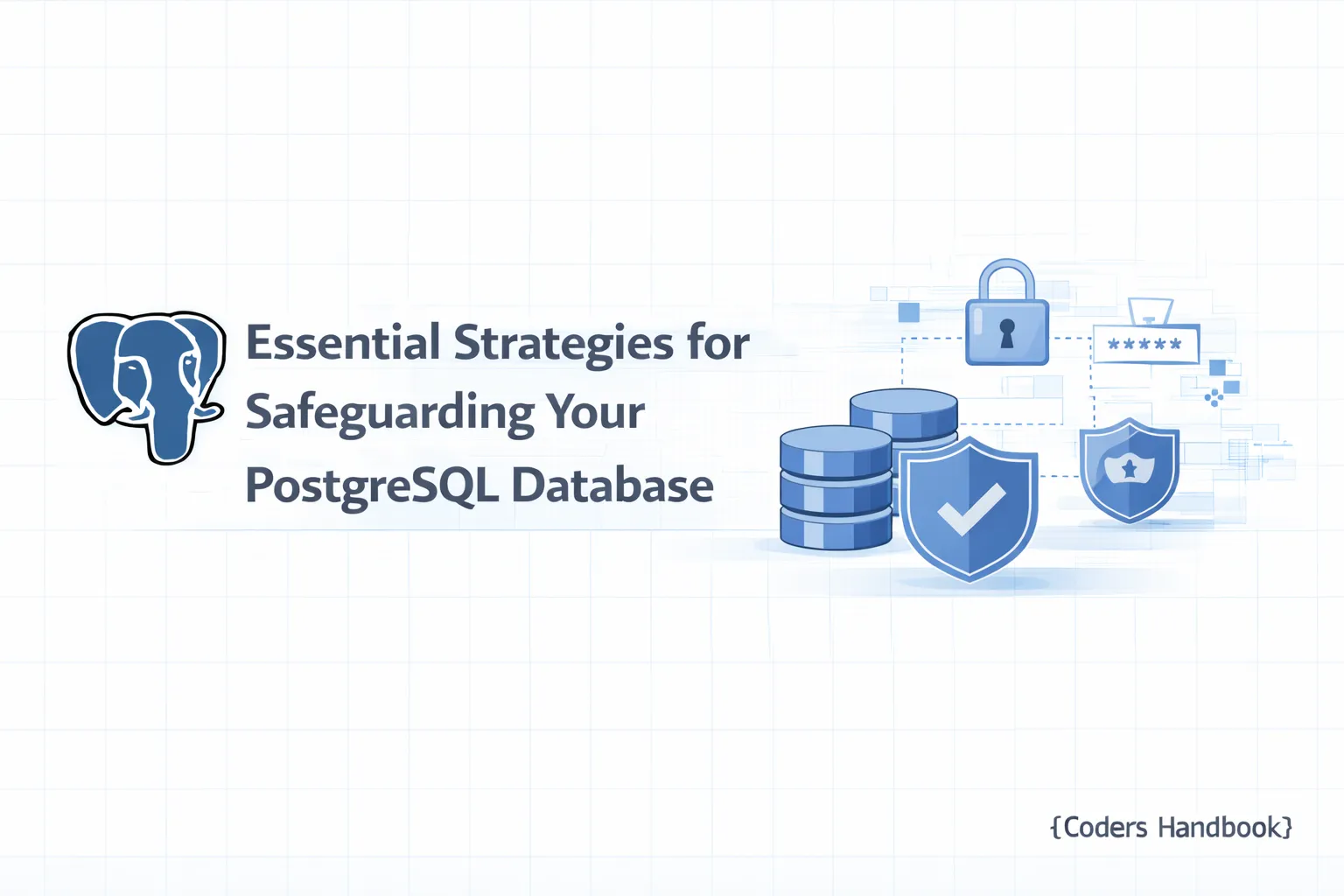
Essential Strategies for Safeguarding Your PostgreSQL Database
Security Best Practices in PostgreSQL
Welcome to Part 16 of our "PostgreSQL Complete Guide: Beginner to Advanced" tutorial series. In previous parts, we've delved into various aspects of PostgreSQL, including performance optimization, backups, and monitoring. In this installment, we will focus on an essential aspect of database management: security. Understanding how to secure your PostgreSQL database is crucial, especially as data breaches and cyberattacks continue to rise. Let’s explore the best practices to ensure your PostgreSQL database remains secure.
Prerequisites
Before diving into the security best practices for PostgreSQL, make sure you have the following:
- Basic Understanding of PostgreSQL: Familiarity with fundamental concepts from earlier parts of this series.
- PostgreSQL Installed: Ensure you have a working installation of PostgreSQL (as covered in Part 2).
- Administrative Access: You need superuser privileges or appropriate roles to make security changes.
- Backup of Your Database: Always back up your data before making significant changes.
Understanding PostgreSQL Security Architecture
PostgreSQL employs a multi-layered security architecture, which incorporates user roles, access controls, and encryption. This layered approach ensures that security is not reliant on a single mechanism, allowing you to implement various strategies to protect your data.
Key Security Features of PostgreSQL
PostgreSQL boasts several built-in security features:
- Role-Based Access Control (RBAC): Manage user permissions efficiently.
- Data Encryption: Protect sensitive data both at rest and in transit.
- Row-Level Security (RLS): Control access to specific rows of data based on user roles.
- Auditing Capabilities: Monitor and log database activities for compliance and security reviews.
User Authentication and Role Management
Implementing strong authentication methods is the first step towards securing your PostgreSQL database.
Step 1: Implement Strong Authentication Methods
- Edit the pg_hba.conf File:
Locate the pg_hba.conf file, which controls the client authentication. It is typically found in the data directory of your PostgreSQL installation.
sudo nano /etc/postgresql/12/main/pg_hba.conf- Use Strong Authentication Methods:
Modify the authentication method for your users. For example, to use scram-sha-256, change the method for your database users:
host all all 0.0.0.0/0 scram-sha-256This configuration ensures that all users authenticate using a strong password mechanism.
- Reload PostgreSQL Configuration:
After making changes to the configuration, reload the PostgreSQL service.
sudo service postgresql reloadStep 2: Utilize Role-Based Access Control (RBAC)
- Create Roles with Specific Permissions:
Use SQL commands to create roles that fit your security model. For instance, to create a read-only role:
   CREATE ROLE read_only NOINHERIT LOGIN PASSWORD 'securepassword';
GRANT SELECT ON ALL TABLES IN SCHEMA public TO read_only;- Review Assigned Roles:
Regularly audit roles and their privileges to ensure they align with the principle of least privilege.
\duCommon Mistake: Neglecting Role Privileges
One common mistake is granting excessive privileges to users. Always adhere to the principle of least privilege.
Data Encryption Techniques in PostgreSQL
Step 3: Encrypt Data at Rest and in Transit
- Data at Rest:
Use pgcrypto extension to encrypt sensitive data before inserting it into the database.
CREATE EXTENSION pgcrypto;To encrypt data:
   INSERT INTO sensitive_data (encrypted_column)
VALUES (pgp_sym_encrypt('sensitive_info', 'encryption_key'));- Data in Transit:
Ensure SSL is enabled for connections to encrypt data in transit. Edit postgresql.conf:
sudo nano /etc/postgresql/12/main/postgresql.confSet:
ssl = onProvide the necessary SSL certificates and restart PostgreSQL.
sudo service postgresql restartExpected Output
You can verify SSL is enabled by running:
SHOW ssl;You should see the output as on.
Regular Maintenance and Security Audits
Step 4: Regularly Update and Patch PostgreSQL
- Check for Updates:
Regularly check for updates to PostgreSQL and apply them.
   sudo apt update
sudo apt upgrade postgresql- Review Security Advisories:
Stay informed about PostgreSQL security advisories and patch your systems accordingly.
Step 5: Monitor and Audit Database Activity
- Enable Logging:
Modify postgresql.conf to enable logging of all statements.
   logging_collector = on
log_statement = 'all'- Analyze Logs:
Use tools like pgBadger to analyze logs regularly for suspicious activities.
Common Vulnerabilities and How to Mitigate Them
SQL Injection Attacks
- Parameterize Queries:
Always use parameterized queries to prevent SQL injection.
   PREPARE stmt AS SELECT * FROM users WHERE username = $1;
EXECUTE stmt('example_user');- Use ORM Tools:
Utilize Object-Relational Mapping (ORM) tools that handle SQL injections internally.
Step 6: Configure Firewall and Network Security
- Set Up Firewall Rules:
Use a firewall to restrict access to PostgreSQL. For example, using ufw on Ubuntu:
sudo ufw allow from <your-ip-address> to any port 5432- Disable Unused Network Interfaces:
Ensure that PostgreSQL is not accessible from the public internet unless necessary. Adjust the listen_addresses in postgresql.conf:
listen_addresses = 'localhost'Best Practices for Backup and Recovery Security
Step 7: Backup Data Securely and Regularly
- Use
pg_dumpfor Backups:
Create backups using pg_dump and store them securely.
pg_dump mydatabase > mydatabase_backup.sql- Encrypt Backups:
Consider encrypting your backup files using tools like GnuPG.
gpg -c mydatabase_backup.sql- Store Backups Offsite:
Regularly transfer backups to an offsite location for added security.
Tools and Resources for Enhancing PostgreSQL Security
- pgAdmin: A popular tool for managing PostgreSQL databases, which includes some security features.
- pgAudit: An extension to provide detailed session and object audit logging.
- Nessus: A vulnerability scanner that can help identify potential security issues in PostgreSQL.
Conclusion
Securing your PostgreSQL database is a multifaceted process that requires constant attention and adaptation to emerging threats. By implementing strong authentication methods, utilizing role-based access control, encrypting data, and regularly auditing your database, you can significantly mitigate risks. As we covered in this tutorial, it is critical to follow best practices to maintain a secure PostgreSQL environment.
For further reading, stay tuned for Part 17, where we will explore advanced PostgreSQL performance tuning techniques. Don't forget to revisit previous tutorials for additional foundational knowledge that will enrich your understanding of PostgreSQL security.
To secure your PostgreSQL database effectively, start implementing these best practices today!
$ share --platform
$ cat /comments/ (0)
$ cat /comments/
// No comments found. Be the first!