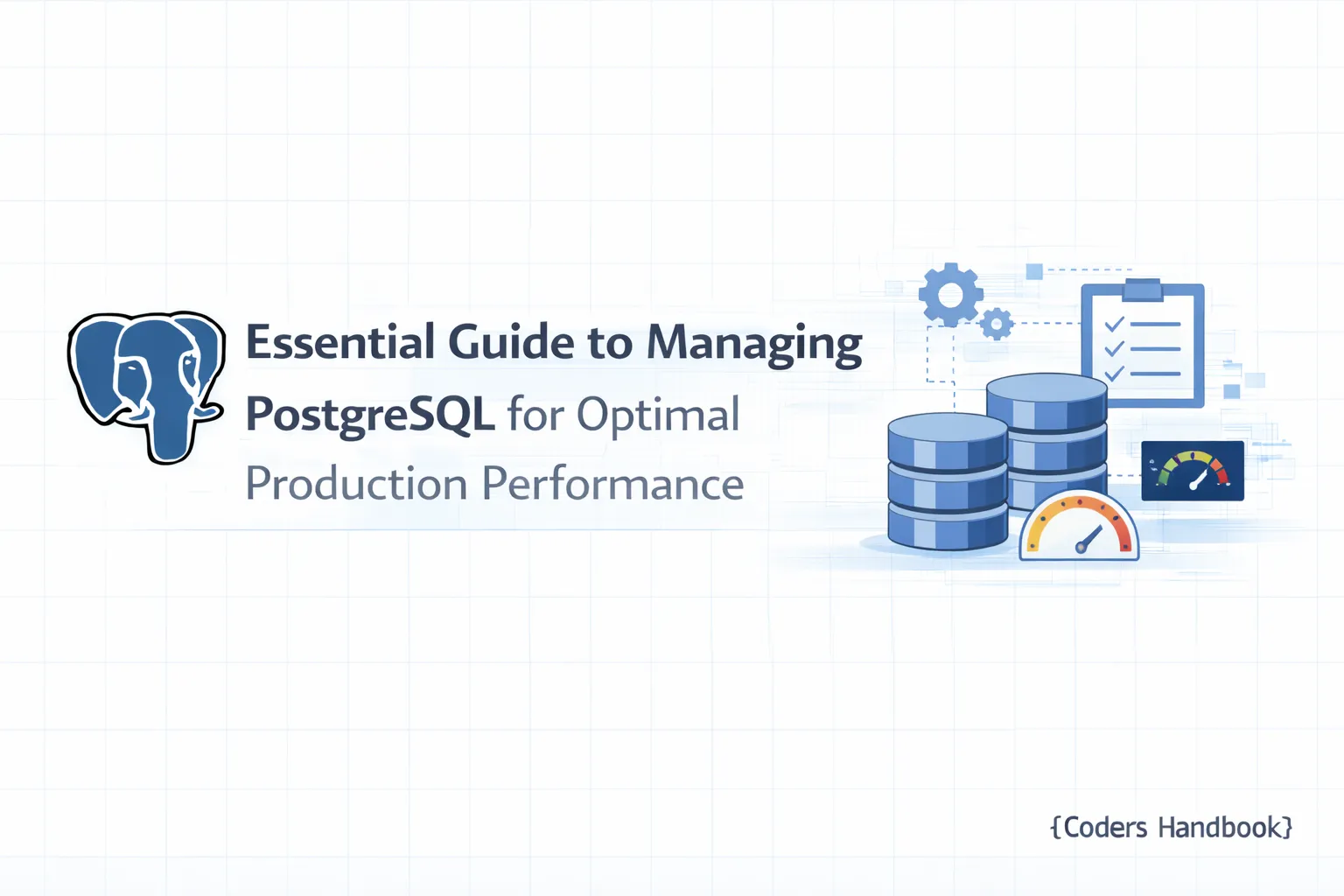
Essential Guide to Managing PostgreSQL for Optimal Production Performance
PostgreSQL in Production: Operations Checklist
Introduction
As organizations increasingly rely on PostgreSQL for their data management needs, understanding how to effectively run PostgreSQL in production becomes paramount. This guide serves as an operations checklist for deploying, monitoring, and maintaining PostgreSQL databases in production environments. It draws on best practices and strategies to ensure optimal performance, security, and reliability.
By the end of this post, you will have a comprehensive understanding of the essential steps required to prepare for production, as well as ongoing operational practices to keep your PostgreSQL instance running smoothly.
Understanding PostgreSQL: An Overview of Its Capabilities
PostgreSQL is a powerful, open-source relational database management system (RDBMS) known for its robustness, extensibility, and support for advanced data types. Some of its key capabilities include:
- ACID Compliance: Ensures reliable transactions.
- Extensibility: Users can define their own data types, operators, and functions.
- Concurrency: Supports multiple users accessing the database simultaneously without conflicts.
- Rich Query Capabilities: Advanced SQL features like window functions, Common Table Expressions (CTEs), and full-text search.
These features make PostgreSQL an excellent choice for production environments, but leveraging them effectively requires careful planning and execution.
Preparing for Production: Key Considerations for PostgreSQL
Before deploying PostgreSQL in a production environment, consider the following key factors:
- Environment Setup: Choose the right operating system and hardware to host your PostgreSQL instance. Ensure that your environment can handle the expected load.
- Configuration Tuning: Adjust PostgreSQL configuration settings for performance. Key settings include
sharedbuffers,workmem, andmaintenanceworkmem.
- Version Compatibility: Ensure that your PostgreSQL version is compatible with your application stack. Regularly update to the latest stable version for security and performance improvements.
- Security Measures: Implement necessary security practices, including user authentication, role-based access control, and network security configurations.
- Backup and Recovery: Plan a robust backup strategy to safeguard your data against loss.
Essential Operations Checklist for PostgreSQL Deployment
Step 1: Install PostgreSQL
Begin by installing PostgreSQL on your server. Follow the command below depending on your operating system:
- Debian/Ubuntu:
    sudo apt update
sudo apt install postgresql postgresql-contrib- CentOS/RHEL:
    sudo yum install postgresql-server postgresql-contrib
    sudo postgresql-setup initdb
Step 2: Configure PostgreSQL
Edit the PostgreSQL configuration file (postgresql.conf) to optimize settings:
sudo nano /etc/postgresql/12/main/postgresql.conf # Adjust path based on your versionKey settings to adjust:
listen_addresses = '*'(to allow remote connections)max_connections = 200(set based on expected load)shared_buffers = 25% of system RAMwork_mem = 4MB(adjust based on workload)
Step 3: Set Up Roles and Permissions
Create roles for users with specific permissions:
CREATE ROLE readonly LOGIN PASSWORD 'password';
GRANT SELECT ON ALL TABLES IN SCHEMA public TO readonly;
Step 4: Implement Backup Strategies
Establish a regular backup schedule using pgdump for logical backups or pgbasebackup for physical backups. A simple command to back up a database is:
pg_dump dbname > dbname_backup.sqlStep 5: Enable Monitoring
Set up monitoring using tools like pgAdmin or Prometheus to keep track of performance metrics. For example, to monitor query performance, you can enable the trackiotiming setting in the configuration file:
track_io_timing = onMonitoring and Maintenance: Best Practices for PostgreSQL in Production
Step 6: Routine Maintenance
Perform regular maintenance tasks:
- VACUUM: Reclaims storage by removing dead tuples.
VACUUM (VERBOSE, ANALYZE);- REINDEX: Rebuilds indexes to optimize query performance.
REINDEX DATABASE dbname;Step 7: Monitor Performance
Regularly monitor PostgreSQL performance metrics. Key performance indicators (KPIs) include:
- Connections: Monitor active connections to avoid exceeding limits.
- Locking: Check for locks that may indicate performance bottlenecks.
- Disk Usage: Ensure your storage is adequately provisioned.
Use the following SQL command to retrieve current connections:
SELECT count(*) FROM pg_stat_activity;Backup and Recovery Strategies for PostgreSQL Databases
Step 8: Implement Point-in-Time Recovery (PITR)
Configure WAL (Write Ahead Logging) archiving for point-in-time recovery. Edit the postgresql.conf:
wal_level = replica
archive_mode = on
archive_command = 'cp %p /path/to/archive/%f'
Performance Tuning: Optimizing PostgreSQL for Production Use
Step 9: Indexing Strategies
Create indexes based on query patterns to improve performance. For example, for frequently queried columns:
CREATE INDEX idx_user_email ON users(email);Step 10: Connection Pooling
Use connection pooling to optimize database connections. Tools like PgBouncer can help manage connection limits and reduce overhead.
Security Measures: Protecting Your PostgreSQL Database
Step 11: User Authentication
Implement strong authentication methods. Use pg_hba.conf for managing access control:
# TYPE  DATABASE        USER            ADDRESS                 METHOD
host    all             all             192.168.1.0/24          md5
Step 12: Encrypt Connections
Enable SSL to encrypt data in transit. Update postgresql.conf:
ssl = onTroubleshooting Common PostgreSQL Issues in Production
Step 13: Diagnose Performance Issues
Common performance issues may arise from:
- Long-running queries: Use
EXPLAIN ANALYZEto diagnose slow queries. - Disk space issues: Regularly monitor disk usage with:
SELECT pg_size_pretty(pg_database_size('dbname'));Step 14: Upgrade Planning
Plan for regular upgrades to leverage new features and security patches. Before upgrading, test the process in a staging environment and back up your data.
Conclusion
Running PostgreSQL in production requires a thorough understanding of its capabilities and a commitment to best practices. By following this operations checklist, you can ensure that your PostgreSQL database is well-tuned, secure, and prepared for performance demands. Regular monitoring, maintenance, and careful planning for upgrades and backups will further enhance your database's reliability.
As we covered in Part 16, safeguarding your database is paramount. In the next installment of our series, we will delve into advanced scaling techniques for PostgreSQL, including sharding and partitioning strategies.
If you found this guide helpful, please share it with your colleagues and stay tuned for more insights in our "PostgreSQL Complete Guide: Beginner to Advanced" series!
$ share --platform
$ cat /comments/ (0)
$ cat /comments/
// No comments found. Be the first!