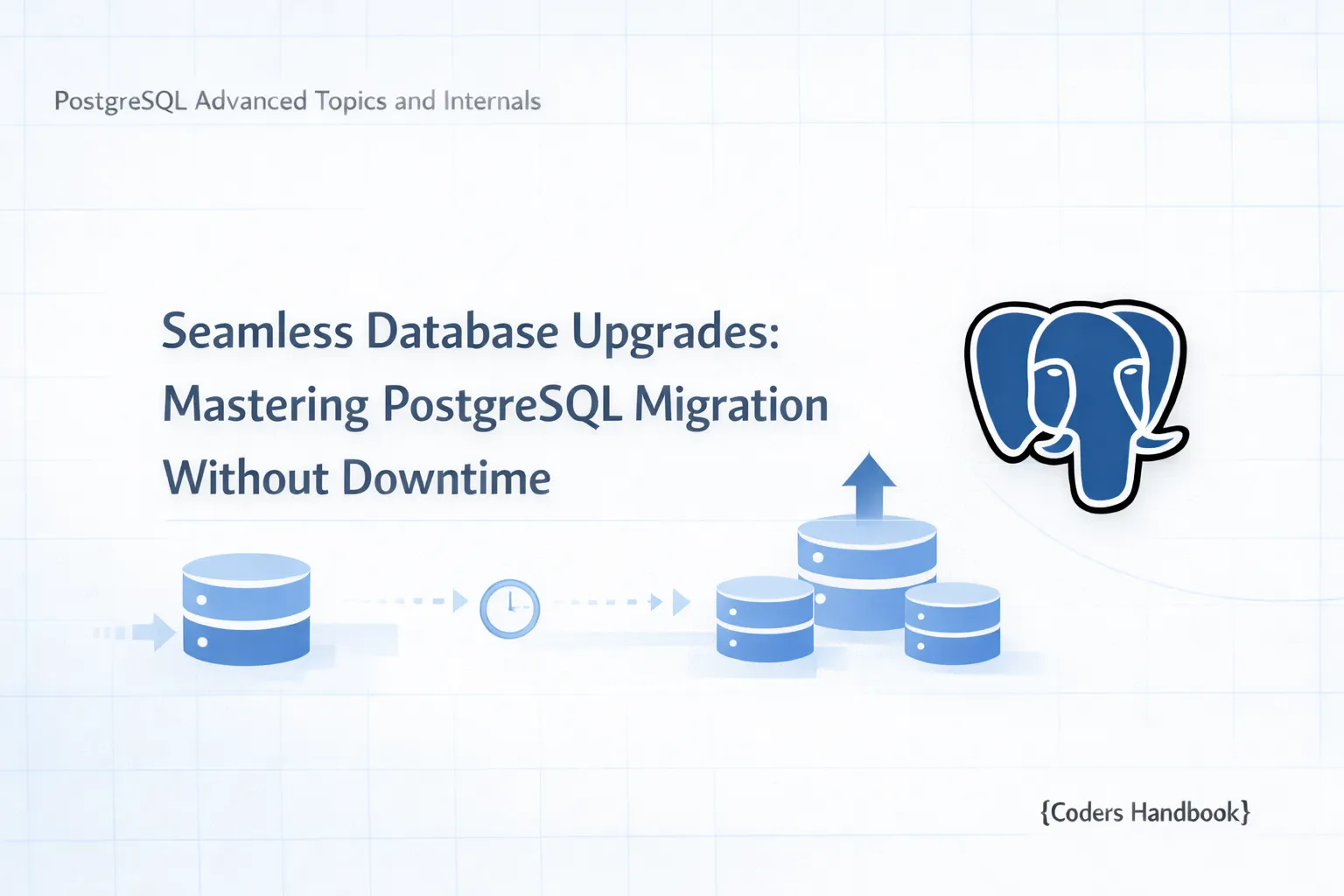
Seamless Database Upgrades: Mastering PostgreSQL Migration Without Downtime
Zero Downtime Migrations in PostgreSQL
In the ever-evolving landscape of web applications, ensuring that your PostgreSQL database remains available during migrations is paramount. In this blog post, which is Part 7 of our "PostgreSQL Advanced Topics and Internals" series, we will explore Zero Downtime Migrations. We will cover the definition, benefits, step-by-step processes, common challenges, and tools that aid in executing these migrations effectively. This tutorial aims to provide you with comprehensive knowledge and actionable steps to implement zero downtime migrations successfully.
Understanding Zero Downtime Migration: An Overview
Zero downtime migration refers to the process of updating a database schema without interrupting the availability of the application using that database. This approach is crucial for high-availability systems where even brief downtimes can lead to significant losses in revenue and user experience. By adopting zero downtime migration strategies, organizations can ensure that users remain unaffected during schema changes.
Key Benefits of Zero Downtime Migrations in PostgreSQL
- Enhanced User Experience: Users can continue to interact with the application without interruptions, leading to greater satisfaction.
- Increased Revenue: For e-commerce and service-based applications, minimizing downtime can directly correlate to higher sales and service availability.
- Reduced Risk: Rolling out changes in a controlled manner mitigates the risk of introducing bugs that could cause downtime.
- Better Resource Utilization: It allows developers to deploy changes more frequently without the need for extensive maintenance windows.
Preparing Your PostgreSQL Database for Zero Downtime Migration
Before diving into the actual migration process, it’s essential to prepare your database. Here are the prerequisites:
- Backup Your Data: Always create a backup of your database before performing migrations.
pg_dump -U username -F c -b -v -f "mydb.backup" mydb- Test Environment: Set up a staging environment that mirrors your production environment to test the migration process.
- Understand Locking Behavior: Familiarize yourself with how PostgreSQL locks tables during migrations. Long-running locks can lead to downtime.
- Choose a Migration Strategy: Decide if you will use the expand and contract pattern or backfilling for data changes.
Step-by-Step Process for Executing Zero Downtime Migrations
Step 1: Prepare Your Migration
Create a migration script that includes the necessary changes. For example, if you want to add a new column to a table:
ALTER TABLE users ADD COLUMN age INT;Step 2: Use the Expand and Contract Pattern
- Expand: Modify your schema to accommodate new fields or structures without removing old ones. This ensures that both old and new versions of your application can operate simultaneously.
ALTER TABLE users ADD COLUMN age INT;- Contract: Once your application is fully migrated, you can remove deprecated columns or constraints.
Step 3: Backfill Data
If your new column requires data, backfill it while still allowing reads and writes on the table:
UPDATE users SET age = 18 WHERE age IS NULL;Step 4: Rollout Strategies
Deploy your application changes incrementally to ensure that the new schema works as expected. Monitor application logs and metrics for any issues.
Step 5: Clean Up
After confirming that your application is functioning correctly with the new schema, you can safely remove any old columns or constraints:
ALTER TABLE users DROP COLUMN old_column;Step 6: Validation
Test the application thoroughly in the staging environment before applying the changes to production. Ensure all queries are functioning as expected.
Expected Output
After executing the migration script successfully, the expected result is that your application continues to run smoothly without any downtime, and the new schema is fully operational.
Common Challenges and Solutions in Zero Downtime Migrations
- Locking Issues: Long-running migrations can lock tables, causing transaction delays.
- Solution: Break down large migrations into smaller, manageable chunks.
- Data Inconsistency: New and old application versions may conflict if data is not backfilled properly.
- Solution: Use feature flags to gradually roll out new features.
- Lack of Testing: Not testing migrations can lead to unexpected issues.
- Solution: Always test migrations in a staging environment first.
Tools and Techniques for Facilitating Zero Downtime Migrations
Several tools and frameworks can assist in zero downtime migrations:
- pg_repack: Helps to reorganize tables without locking them.
- gh-ost: A tool developed by GitHub to perform online schema changes.
- pt-online-schema-change: Part of Percona Toolkit, it allows for non-blocking schema changes.
Best Practices for Maintaining Data Integrity During Migration
- Use Transactions: Ensure that migrations are wrapped in transactions to maintain integrity.
   BEGIN;
   -- Migration steps here
COMMIT;- Monitor Database Performance: Use tools like
pgstatactivityto monitor running queries and locks.
- Stay Backward Compatible: Always ensure that the new schema can handle requests from both old and new application versions.
Case Studies: Successful Zero Downtime Migrations in PostgreSQL
Case Study 1: E-Commerce Platform
An e-commerce platform implemented zero downtime migrations using the expand and contract pattern. They added new features without affecting the user experience, resulting in a 30% increase in sales during peak hours.
Case Study 2: Financial Services Application
A financial application faced challenges during a schema change that required backfilling data. By using feature flags and rolling out changes incrementally, they ensured data consistency and maintained service availability.
Conclusion
Zero downtime migrations in PostgreSQL are essential for maintaining high-availability applications. By understanding the strategies, tools, and best practices outlined in this guide, you can execute migrations that minimize disruption and enhance user experience.
As we've covered in the previous parts of this series, strong foundations in PostgreSQL's internals and performance optimization will aid in your migration efforts. In the next part of our series, we will delve into advanced topics surrounding PostgreSQL's replication and failover strategies.
Call to Action
Ready to implement zero downtime migrations in your PostgreSQL database? Start by preparing your environment and testing the steps outlined in this guide. Share your experiences and questions in the comments below!
$ share --platform
$ cat /comments/ (0)
$ cat /comments/
// No comments found. Be the first!