Boosting PostgreSQL Performance: Mastering Replicas and Data Partitioning
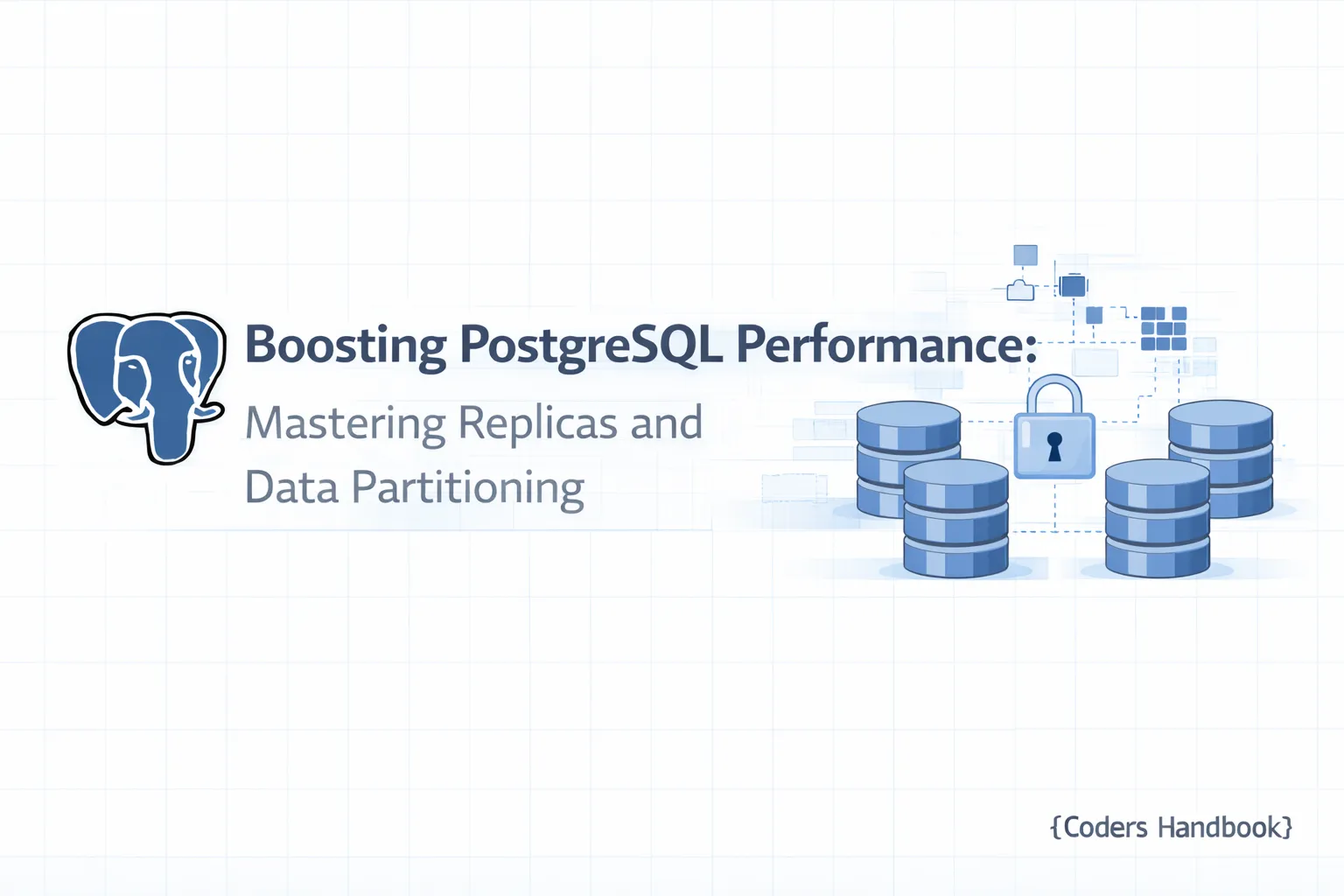
Scaling PostgreSQL: Read Replicas and Partitioning
In the evolving landscape of data management, scaling databases effectively has become paramount for organizations of all sizes. PostgreSQL, a powerful and versatile relational database management system, offers various features to enhance performance and scalability. In this tutorial, part 13 of the "PostgreSQL Complete Guide: Beginner to Advanced" series, we will delve into two crucial scaling strategies: read replicas and partitioning. We will explore their mechanics, benefits, implementation steps, and best practices to help you optimize your PostgreSQL environment.
Prerequisites
Before diving into the details, ensure you have the following:
- PostgreSQL Installed: Version 12 or later is recommended for improved features related to read replicas and partitioning.
- Basic SQL Knowledge: Familiarity with SQL commands and PostgreSQL syntax.
- Access to a Terminal: For executing commands and managing the PostgreSQL server.
- Understanding of Previous Tutorials: It is beneficial to have a grasp of the concepts discussed in parts 1-12 of this series, especially those covering database fundamentals and performance optimization.
Understanding PostgreSQL Scaling: An Overview
Scaling PostgreSQL involves strategies to handle increased loads, data volume, and user requests. There are two primary methods for scaling:
- Vertical Scaling: Adding more resources (CPU, RAM, Disk) to your existing server. While simple, it has limits and can lead to downtime.
- Horizontal Scaling: Distributing the load across multiple servers. This is where read replicas and partitioning come into play.
Read replicas allow for distributing read traffic, while partitioning helps manage large datasets more efficiently. Together, they provide a robust solution for scaling PostgreSQL.
What Are Read Replicas and How Do They Work?
A read replica in PostgreSQL is a copy of the primary database that can be used to offload read queries from the primary server. This setup not only improves performance but also enhances availability.
How Read Replicas Work
PostgreSQL uses streaming replication to maintain read replicas. Changes made to the primary database are continuously sent to replicas, ensuring they remain up-to-date. You can choose between:
- Asynchronous Replication: The primary server does not wait for replicas to acknowledge receipt of changes, making it faster but with a risk of data loss.
- Synchronous Replication: The primary waits for at least one replica to acknowledge receipt of changes, ensuring data consistency at the cost of latency.
Benefits of Using Read Replicas in PostgreSQL
- Increased Read Scalability: Distributing read queries across multiple replicas can significantly reduce the load on the primary server.
- Improved Performance: Read replicas can be placed closer to application servers to reduce latency.
- High Availability: In case of a primary server failure, a read replica can be promoted to primary, ensuring business continuity.
Step-by-Step Guide to Setting Up Read Replicas in PostgreSQL
Step 1: Configure the Primary Server
- Edit the PostgreSQL Configuration File:
Open the postgresql.conf file and set the following parameters:
sudo nano /etc/postgresql/12/main/postgresql.confAdd or modify these lines:
   wal_level = replica
max_wal_senders = 3- Edit pg_hba.conf:
Allow the replica to connect to the primary server by editing the pg_hba.conf file:
sudo nano /etc/postgresql/12/main/pg_hba.confAdd the following line (replace replica_ip with the actual IP address of your replica):
host replication all replica_ip/32 md5- Restart PostgreSQL:
sudo systemctl restart postgresqlStep 2: Create a Base Backup
On the primary server, execute the following command to create a base backup:
pg_basebackup -h localhost -D /var/lib/postgresql/12/main/ -U postgres -P --wal-method=streamStep 3: Set Up the Replica Server
- Install PostgreSQL on the replica server:
sudo apt install postgresql- Copy the Base Backup to the replica server:
rsync -av /var/lib/postgresql/12/main/ replica_user@replica_ip:/var/lib/postgresql/12/main/- Create a Recovery File on the replica server:
sudo nano /var/lib/postgresql/12/main/recovery.confAdd the following:
   standby_mode = 'on'
   primary_conninfo = 'host=primary_ip port=5432 user=replication password=your_password'
trigger_file = '/tmp/postgresql.trigger.5432'- Start the Replica Server:
sudo systemctl start postgresqlExpected Output
You should see the replica server starting successfully and the primary showing that it has one or more connected replicas when you run:
SELECT * FROM pg_stat_replication;Troubleshooting Tips for Read Replicas
- Connection Issues: Ensure that the firewall rules allow traffic between the primary and replica.
- Replication Lag: If the replica is not updating, check the
pgstatreplicationview for any issues. - Authentication Errors: Verify that the correct credentials are used in the
primary_conninfo.
Introduction to Partitioning in PostgreSQL
Data partitioning in PostgreSQL involves dividing a large table into smaller, more manageable pieces, or partitions. This improves performance and simplifies maintenance. Partitioning can be done through various strategies:
- Range Partitioning: Divides data based on a range of values.
- List Partitioning: Segments data based on specific values.
- Hash Partitioning: Distributes data evenly across partitions using a hash function.
Strategies for Effective Data Partitioning
Step 1: Choose a Partitioning Strategy
- Use Range Partitioning for time-based data (e.g., logs).
- Use List Partitioning for categorical data (e.g., regions).
- Use Hash Partitioning for evenly distributed data.
Step 2: Create a Partitioned Table
Here’s how to create a range-partitioned table:
CREATE TABLE orders (
    order_id SERIAL PRIMARY KEY,
    order_date DATE NOT NULL,
    amount NUMERIC
) PARTITION BY RANGE (order_date);
Step 3: Create Partitions
Next, create partitions for specific ranges:
CREATE TABLE orders_2022 PARTITION OF orders
    FOR VALUES FROM ('2022-01-01') TO ('2023-01-01');

CREATE TABLE orders_2023 PARTITION OF orders
    FOR VALUES FROM ('2023-01-01') TO ('2024-01-01');
Expected Output
When you insert data into the orders table, PostgreSQL automatically routes it to the correct partition based on the order_date.
Common Challenges and Solutions in Partitioning
- Complex Queries: Ensure that queries are optimized to take advantage of partitioning.
- Maintenance Overhead: Regularly monitor and manage partitions, especially as data grows.
- Rebalancing Partitions: If data distribution becomes uneven, consider redistributing or merging partitions.
Combining Read Replicas and Partitioning for Optimal Performance
When used together, read replicas and partitioning can drastically improve your PostgreSQL performance.
- Load Balancing: Read replicas can handle queries across different partitions, reducing the load on any single server.
- Data Retrieval Speed: Partitioned tables allow for faster data retrieval as PostgreSQL can scan smaller datasets.
Best Practices for Scaling PostgreSQL
- Monitor Performance: Use tools like
pgstatstatementsandpgAdminto analyze performance. - Regular Backups: Ensure you have a backup strategy in place for both primary and replicas.
- Test Failover Procedures: Regularly test failover scenarios to ensure high availability.
Conclusion
Scaling PostgreSQL through read replicas and partitioning is a powerful way to enhance performance and ensure data availability. By implementing these strategies, you can effectively manage large datasets and distribute workloads across multiple servers.
As you continue your journey in mastering PostgreSQL, remember that the key to successful scaling lies in understanding your data and workload patterns. In the next part of this series, we will explore advanced tuning and optimization techniques for PostgreSQL, helping you further refine your database performance.
Call to Action: If you found this tutorial helpful, share your experiences with scaling PostgreSQL in the comments below, and subscribe for more insights in the upcoming tutorials!
$ share --platform
$ cat /comments/ (0)
$ cat /comments/
// No comments found. Be the first!