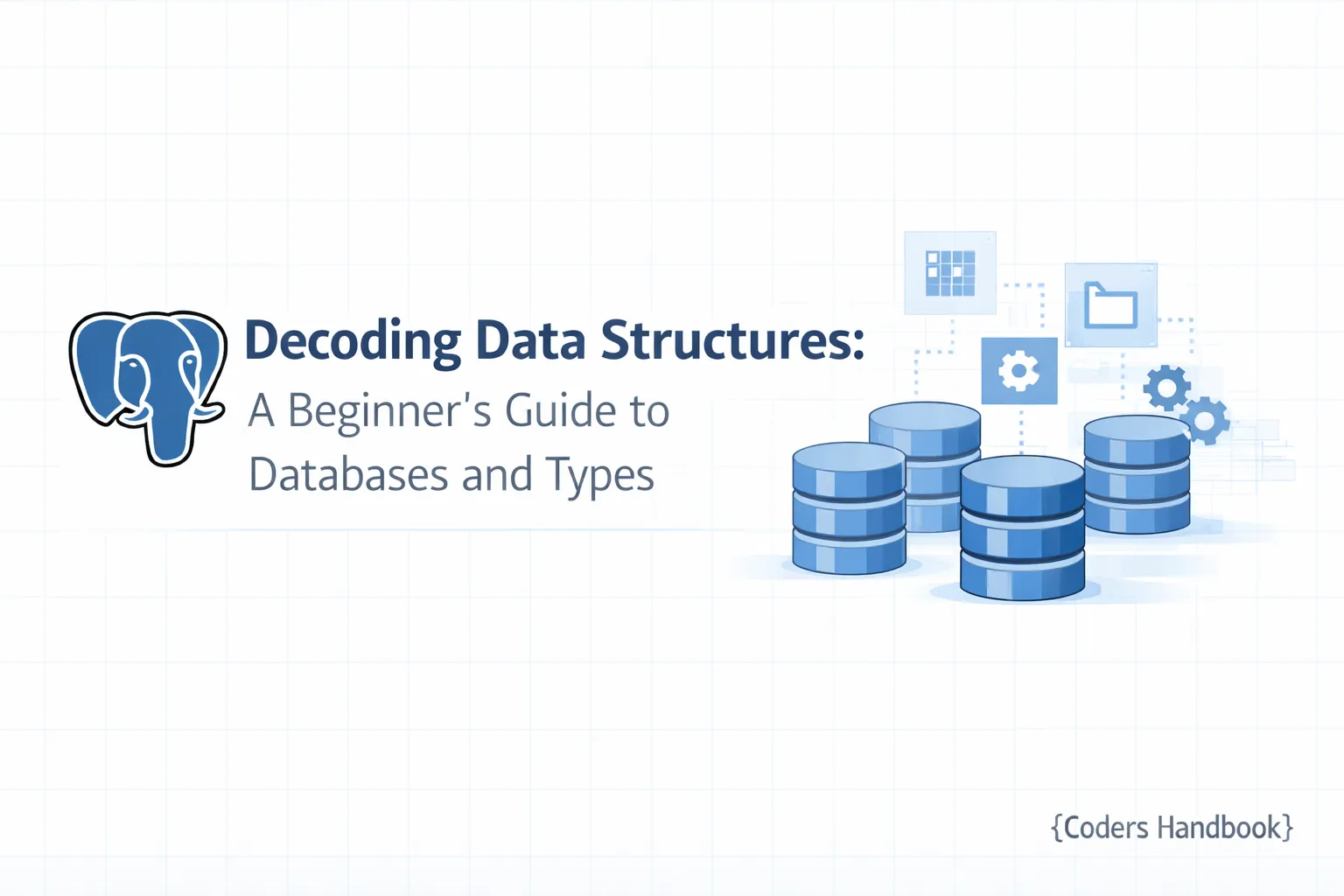
Decoding Data Structures: A Beginner's Guide to Databases and Types
Understanding Databases, Tables, and Data Types in PostgreSQL
Prerequisites
Before diving into this tutorial, ensure you have completed the previous parts of our series, particularly Part 1 and Part 2 of the PostgreSQL Complete Guide: Beginner to Advanced. Familiarity with basic SQL commands and PostgreSQL installation is recommended.
Introduction to Databases: What They Are and Why They Matter
Databases serve as the backbone for data management in various applications, enabling users to store, retrieve, and manipulate data efficiently. At their core, databases allow for structured data management, ensuring data integrity and accessibility. In this tutorial, we will explore how databases function, focusing on the structures that compose them—namely tables—and the data types that define how data is stored.
Types of Databases: Relational vs Non-Relational
Databases can be categorized into two primary types:
1. Relational Databases
Relational databases, such as PostgreSQL, are structured around tables that relate to one another through keys. This structure supports complex queries and ensures integrity through constraints.
2. Non-Relational Databases
Also known as NoSQL databases, these systems (like MongoDB) handle unstructured data, often storing it in formats like JSON or XML. NoSQL databases offer flexibility and scalability, making them suitable for specific use cases like big data applications.
Exploring Database Tables: Structure and Functionality
Tables are the fundamental building blocks of relational databases. Each table consists of rows (records) and columns (fields), where each column has a designated data type.
Step 1: Create a Sample Database and Table
To illustrate, let’s create a sample database and a corresponding table in PostgreSQL.
- Open your PostgreSQL command line or GUI interface.
- Create a new database:
CREATE DATABASE sample_db;Expected Output: Confirmation of database creation.
- Connect to the database:
\c sample_db- Create a table:
   CREATE TABLE users (
       user_id SERIAL PRIMARY KEY,
       username VARCHAR(50) NOT NULL,
       email VARCHAR(100) NOT NULL UNIQUE,
       created_at TIMESTAMP DEFAULT CURRENT_TIMESTAMP
   );
Expected Output: Confirmation of table creation.
Common Mistakes
- Forgetting to set the
PRIMARY KEYconstraint can lead to data integrity issues. - Using inappropriate data types, such as
CHARinstead ofVARCHAR, can affect storage efficiency.
Understanding Data Types: A Deep Dive
Data types define the nature of data that can be stored in a column. PostgreSQL supports several data types, including:
Common Data Types
- Integer: For whole numbers (
INTEGER,SMALLINT,BIGINT). - String: For text data (
VARCHAR,CHAR,TEXT). - Date/Time: For date and time values (
DATE,TIME,TIMESTAMP). - Boolean: For true/false values (
BOOLEAN).
Step 2: Inserting Data with Different Data Types
Let’s insert some sample data into our users table:
INSERT INTO users (username, email) VALUES
('john_doe', '[email protected]'),
('jane_smith', '[email protected]');
Expected Output: Two new records added to the users table.
Choosing Correct Types
Selecting the appropriate data type is crucial for performance and storage efficiency. For instance, using VARCHAR(50) for a username is preferable over TEXT, as it consumes less space.
Practical Example
In a real-world application, if you store user ages as VARCHAR, it may lead to inefficient queries and indexing issues due to type mismatches.
Relationships in Databases: Keys and Constraints
Understanding relationships between tables is vital for effective database design. Keys help establish these relationships.
Primary Keys
A primary key uniquely identifies each record in a table. In our users table, user_id serves as the primary key.
Foreign Keys
Foreign keys establish a link between two tables. For example, if we had a posts table, we could relate it to the users table using a foreign key.
Step 3: Creating a Related Table
Let’s create a posts table related to the users table.
CREATE TABLE posts (
    post_id SERIAL PRIMARY KEY,
    user_id INTEGER REFERENCES users(user_id),
    content TEXT NOT NULL,
    created_at TIMESTAMP DEFAULT CURRENT_TIMESTAMP
);
Expected Output: Confirmation of the posts table creation.
Best Practices for Database Design and Management
- Normalization: Organize data to reduce redundancy. For instance, separate user information from their posts.
- Use Constraints Wisely: Apply constraints to enforce data integrity (e.g.,
UNIQUE,NOT NULL). - Choose Appropriate Data Types: Incorrect data types can cause performance issues and unnecessary storage consumption.
Common Database Management Systems (DBMS) Explained
Various DBMS options exist for managing databases effectively:
- PostgreSQL: An advanced, open-source relational database with robust features.
- MySQL: Popular for web applications, known for its speed and reliability.
- SQLite: Lightweight, serverless database, ideal for small applications.
- MongoDB: A NoSQL database that handles unstructured data with flexible schemas.
Troubleshooting and Optimizing Database Performance
Common Issues
- Slow Queries: Use
EXPLAINto analyze query performance. - Deadlocks: Monitor transactions to resolve conflicts.
- Data Type Mismatches: Ensure consistent data types across related tables.
Optimization Tips
- Indexing: Create indexes on columns frequently used in queries.
- Connection Pooling: Efficiently manage database connections to enhance performance.
- Regular Backups: Implement a backup strategy to prevent data loss.
Conclusion
In this tutorial, we explored the essential components of databases, including tables and data types, focusing on PostgreSQL. Understanding these concepts is critical for effective database management and optimization. As we continue this series, we will delve deeper into SQL commands and advanced database functionalities.
To further enhance your learning, consider experimenting with the examples provided. If you have any questions or need clarifications, feel free to leave a comment below. Happy learning!
---
By understanding the intricacies of databases, tables, and data types, you are now better equipped to manage and optimize your PostgreSQL database effectively. Stay tuned for the next part of our series, where we will explore advanced SQL techniques.
$ share --platform
$ cat /comments/ (0)
$ cat /comments/
// No comments found. Be the first!