Supabase Relationships: Foreign Keys and Joins Explained
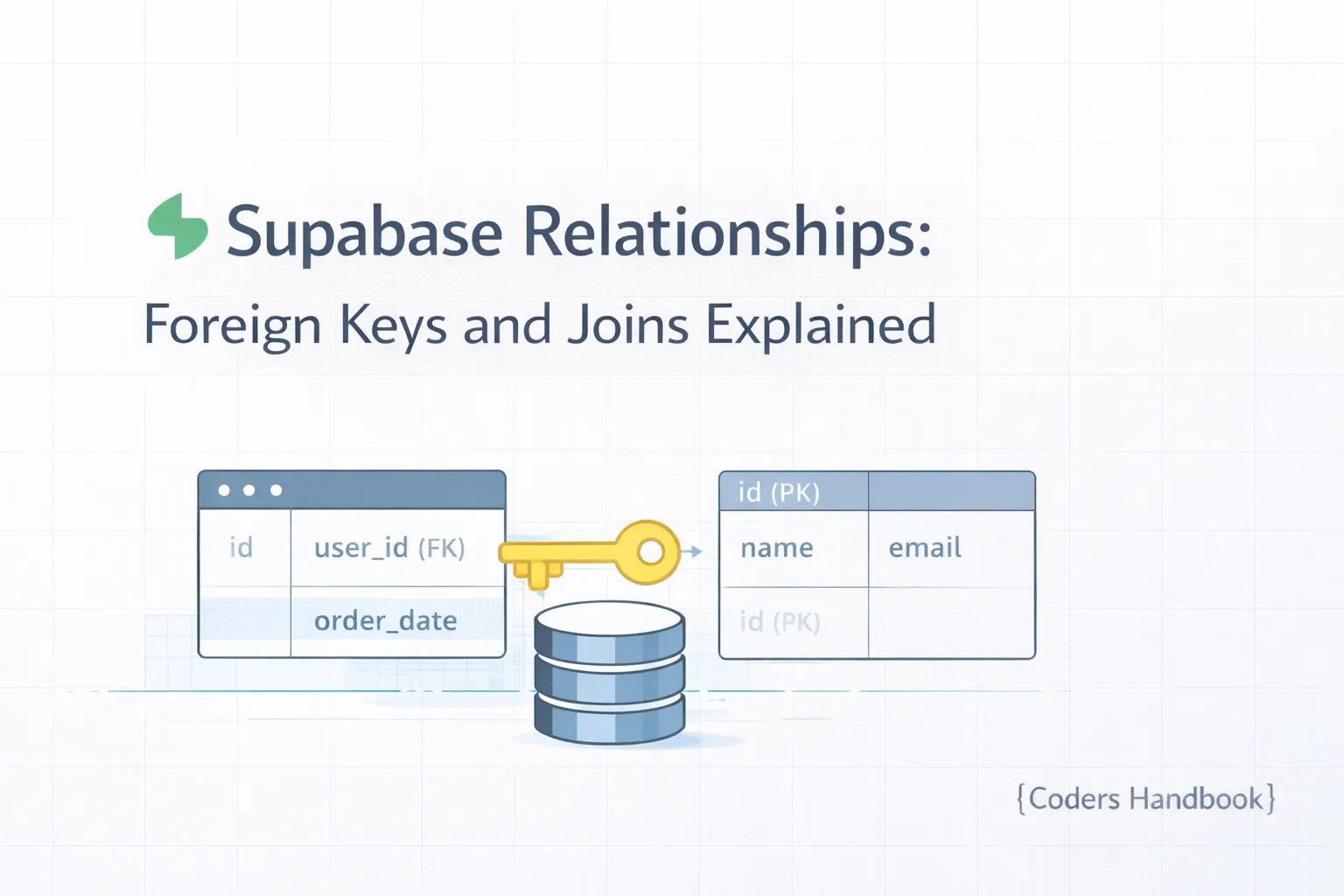
Relational databases derive their power from the ability to connect data across multiple tables through foreign keys and joins, enabling normalized data structures that eliminate redundancy while maintaining data integrity. Supabase leverages PostgreSQL's robust relationship capabilities, providing intuitive query builders that automatically handle complex joins, nested data retrieval, and referential integrity constraints. This comprehensive guide covers defining one-to-one, one-to-many, and many-to-many relationships, implementing foreign keys with cascade actions, querying related data with Supabase's automatic joins, understanding JOIN types (INNER, LEFT, RIGHT), and optimizing relationship queries for performance. Mastering relationships is essential for building real-world applications where data naturally connects—users having posts, posts having comments, products in categories, and orders containing items. Before proceeding, ensure you understand database table creation and basic queries.
Relationship Types
| Type | Description | Example | Implementation |
|---|---|---|---|
| One-to-One | One record relates to exactly one record | User ↔ Profile | Foreign key with UNIQUE constraint |
| One-to-Many | One record relates to many records | User → Posts | Foreign key in child table |
| Many-to-Many | Many records relate to many records | Posts ↔ Tags | Junction table with two foreign keys |
Creating Foreign Keys
-- One-to-Many: Users → Posts
-- Each post belongs to one user

create table users (
  id uuid default gen_random_uuid() primary key,
  email text unique not null,
  username text unique not null,
  created_at timestamp with time zone default now()
);

create table posts (
  id uuid default gen_random_uuid() primary key,
  user_id uuid references users(id) on delete cascade not null,
  title text not null,
  content text not null,
  created_at timestamp with time zone default now()
);

-- Index foreign key for faster joins
create index posts_user_id_idx on posts(user_id);

-- One-to-One: Users ↔ Profiles
-- Each user has exactly one profile

create table profiles (
  id uuid default gen_random_uuid() primary key,
  user_id uuid references users(id) on delete cascade unique not null,
  bio text,
  avatar_url text,
  website text
);

-- Many-to-Many: Posts ↔ Tags
-- Posts can have multiple tags, tags can belong to multiple posts

create table tags (
  id uuid default gen_random_uuid() primary key,
  name text unique not null
);

create table post_tags (
  post_id uuid references posts(id) on delete cascade,
  tag_id uuid references tags(id) on delete cascade,
  primary key (post_id, tag_id)
);

create index post_tags_post_id_idx on post_tags(post_id);
create index post_tags_tag_id_idx on post_tags(tag_id);
Cascade Actions
- ON DELETE CASCADE: Automatically delete child records when parent is deleted (e.g., delete all posts when user is deleted)
- ON DELETE SET NULL: Set foreign key to NULL when parent is deleted (preserves child records)
- ON DELETE RESTRICT: Prevent parent deletion if child records exist (default behavior)
- ON DELETE NO ACTION: Similar to RESTRICT but checks at end of transaction
- ON UPDATE CASCADE: Update foreign key values when parent key changes (rarely needed with UUID)
Querying Related Data
// Get posts with user information (One-to-Many)
const { data } = await supabase
  .from('posts')
  .select(`
    *,
    users (
      id,
      username,
      email
    )
  `)

// Result:
// [
//   {
//     id: 'post-1',
//     title: 'First Post',
//     content: '...',
//     users: {
//       id: 'user-1',
//       username: 'john_doe',
//       email: '[email protected]'
//     }
//   }
// ]

// Get users with their posts (reverse relationship)
const { data } = await supabase
  .from('users')
  .select(`
    *,
    posts (
      id,
      title,
      created_at
    )
  `)

// Get posts with comments and comment authors
const { data } = await supabase
  .from('posts')
  .select(`
    id,
    title,
    comments (
      id,
      content,
      users (
        username
      )
    )
  `)

// Filter on related data
const { data } = await supabase
  .from('posts')
  .select('*, users(*)')
  .eq('users.username', 'john_doe')

// Count related records
const { data } = await supabase
  .from('users')
  .select('*, posts(count)')
Supabase automatically detects foreign key relationships and provides nested query syntax. Use parentheses to specify which columns to retrieve from related tables. The query builder handles the SQL JOINs behind the scenes, making complex queries simple and readable.
Many-to-Many Relationships
// Get posts with their tags
const { data } = await supabase
  .from('posts')
  .select(`
    id,
    title,
    post_tags (
      tags (
        id,
        name
      )
    )
  `)

// Result:
// [
//   {
//     id: 'post-1',
//     title: 'First Post',
//     post_tags: [
//       { tags: { id: 'tag-1', name: 'JavaScript' } },
//       { tags: { id: 'tag-2', name: 'Tutorial' } }
//     ]
//   }
// ]

// Get tags with their posts
const { data } = await supabase
  .from('tags')
  .select(`
    id,
    name,
    post_tags (
      posts (
        id,
        title
      )
    )
  `)

// Add tag to post (insert into junction table)
const { error } = await supabase
  .from('post_tags')
  .insert([{ post_id: postId, tag_id: tagId }])

// Remove tag from post
const { error } = await supabase
  .from('post_tags')
  .delete()
  .eq('post_id', postId)
  .eq('tag_id', tagId)
Understanding JOIN Types
| JOIN Type | Behavior | Use Case | Supabase Default |
|---|---|---|---|
| INNER JOIN | Returns only matching records | Posts with existing users | Yes (when relation exists) |
| LEFT JOIN | Returns all left records + matches | All posts (even without users) | Use with nullable foreign keys |
| RIGHT JOIN | Returns all right records + matches | Rarely used | Not directly supported |
| FULL OUTER | Returns all records from both | Complex reporting | Use SQL Editor |
Optimizing Relationship Queries
- Always Index Foreign Keys: Create indexes on all foreign key columns for faster joins
- Limit Nested Queries: Avoid deeply nested relationships (3+ levels) as they impact performance
- Select Only Needed Columns: Specify exact columns instead of * in nested queries
- Use Count for Totals: Use posts(count) instead of retrieving all records for counting
- Consider Denormalization: For frequently accessed data, sometimes duplicating data improves performance
- Implement Pagination: Always paginate when retrieving multiple related records
Foreign Key Best Practices
-- ✅ Good: Descriptive foreign key names
create table posts (
  id uuid primary key,
  author_id uuid references users(id) on delete cascade not null,
  category_id uuid references categories(id) on delete set null
);

-- ✅ Good: Add indexes immediately
create index posts_author_id_idx on posts(author_id);
create index posts_category_id_idx on posts(category_id);

-- ✅ Good: Use appropriate cascade actions
-- CASCADE for dependent data (comments must have a post)
-- SET NULL for optional relationships (post can exist without category)

-- ❌ Bad: Generic column names
create table posts (
  id uuid primary key,
  user_id uuid references users(id),  -- Which user? Author? Editor?
  parent_id uuid references posts(id) -- Unclear relationship
);

-- ❌ Bad: No cascade action specified
create table comments (
  post_id uuid references posts(id)  -- What happens when post deleted?
);Next Steps
- Practice Complex Schemas: Build a blog with users, posts, comments, categories, and tags to practice all relationship types
- Implement RLS on Relationships: Learn how Row Level Security works with foreign keys for multi-tenant apps
- Master Advanced Queries: Explore filtering and ordering with joined data
- Build Real Applications: Apply relationship knowledge in practical projects with complex data models
Conclusion
Foreign keys and relationships transform isolated database tables into interconnected data models that reflect real-world structures and business logic. Supabase's automatic relationship detection and nested query syntax make complex SQL JOINs accessible through simple, readable code. By properly defining one-to-one, one-to-many, and many-to-many relationships with appropriate cascade actions, you ensure data integrity while maintaining flexibility. Always remember to index foreign key columns for performance, choose descriptive column names, and select appropriate cascade behaviors based on data dependencies. With relationship mastery, you can build sophisticated applications with complex data models—blogs with nested comments, e-commerce platforms with products and orders, or social networks with follows and interactions. Continue your database expertise journey with Row Level Security and authentication integration to build production-ready applications.
$ share --platform
$ cat /comments/ (0)
$ cat /comments/
// No comments found. Be the first!


