Unlocking the Secrets of PostgreSQL's Query Optimization Engine
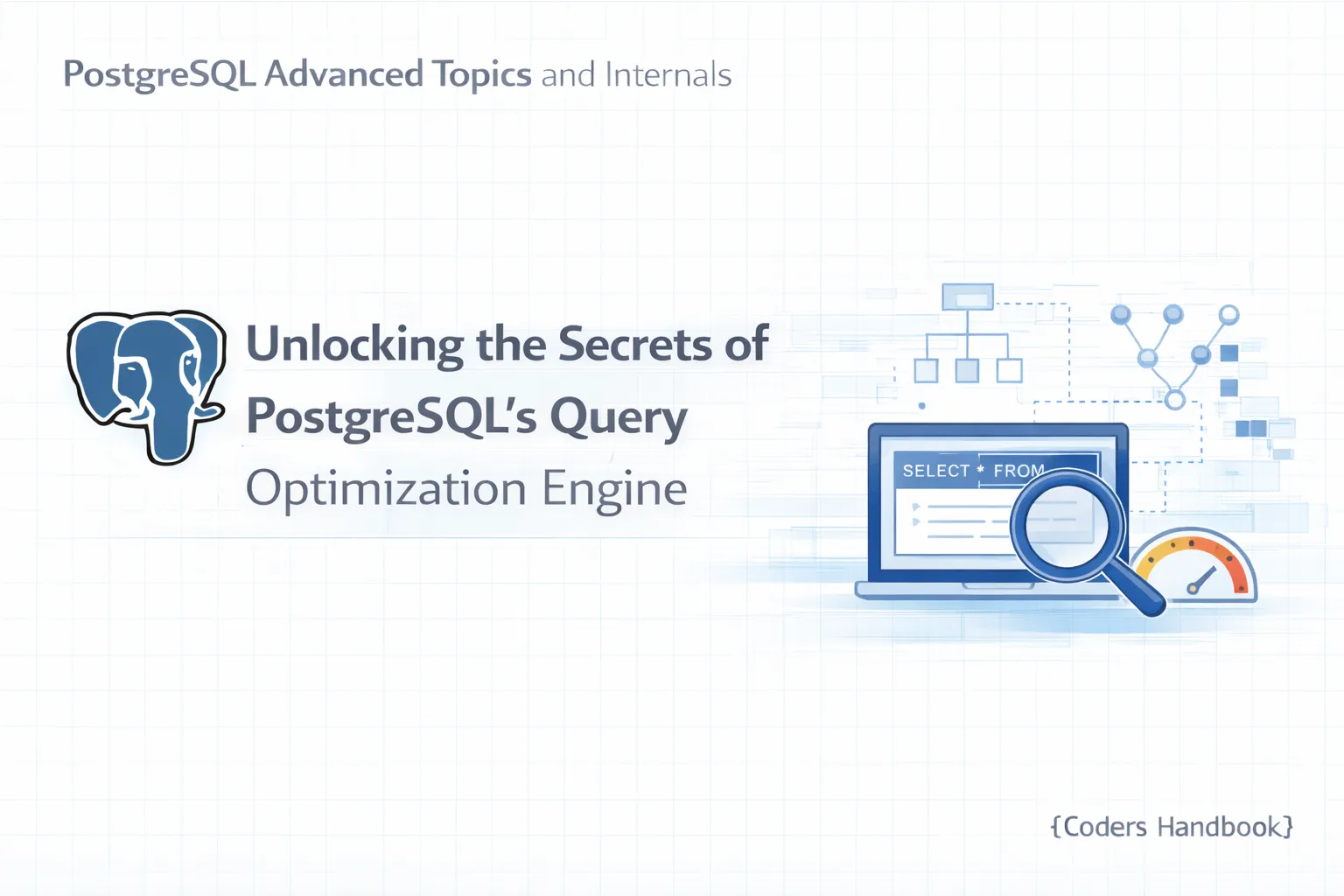
How PostgreSQL Query Planner Actually Works
In the world of relational databases, efficient query processing is crucial for performance. As we discussed in Part 1 of this series, PostgreSQL employs a robust system known as Multi-Version Concurrency Control (MVCC) to manage concurrent transactions. However, the efficiency of data retrieval and manipulation relies heavily on the PostgreSQL Query Planner. In this tutorial, we will dive deep into how the PostgreSQL Query Planner works, exploring its components, processes, and optimization strategies.
Prerequisites
Before we begin, ensure you have the following:
- PostgreSQL Installed: You should have PostgreSQL (preferably version 12 or later) installed on your system.
- Basic SQL Knowledge: Familiarity with SQL syntax and basic database concepts.
- Access to a PostgreSQL Database: You should have access to a PostgreSQL database where you can run queries and commands.
Understanding the Basics of PostgreSQL Query Planning
The PostgreSQL Query Planner is an integral component of the database engine, responsible for translating SQL queries into execution plans. These plans dictate how to retrieve or manipulate data efficiently. The planner generates various potential plans, evaluates their cost, and selects the most optimal one.
Key Components of the PostgreSQL Query Planner
1. Parser
The parser reads the SQL query and checks its syntax. If the query is valid, it translates it into a parse tree.
2. Rewriter
The rewriter takes the parse tree and applies any necessary transformations, such as converting views into base table queries or expanding rules defined in the database.
3. Planner/Optimizer
The planner analyzes the rewritten query and creates a query execution plan, estimating the cost of various strategies based on statistics.
How the Query Planner Analyzes SQL Queries
The query planning process involves several stages:
- Parsing: The SQL query is parsed into a tree structure.
SELECT * FROM employees WHERE department = 'Sales';- Rewriting: Any views or rules are resolved. If
employeesis a view, it may be rewritten to its underlying tables.
- Planning: The planner analyzes the rewritten query, calculates costs, and chooses the most efficient execution plan using a cost-based optimization approach.
Cost Estimation
Cost estimation is a crucial part of the planning process. PostgreSQL uses a cost model to evaluate the potential execution plans. The cost is based on various factors, including:
- I/O Cost: The estimated time to read data from disk.
- CPU Cost: The estimated time to process data.
- Network Cost: The cost of data transfer, especially relevant for distributed databases.
Factors Affecting Query Planning in PostgreSQL
Several factors can influence the effectiveness of the query planner:
1. Statistics
PostgreSQL collects statistics about tables and indexes, which help the planner make informed decisions. You can view statistics for a table using:
SELECT * FROM pg_stats WHERE tablename='employees';2. Configuration Settings
PostgreSQL has several configuration settings that can affect the planner's behavior:
effectivecachesize: The estimated size of the disk cache.work_mem: Memory available for operations like sorting and hashing.
Adjusting these settings can lead to more optimal query plans.
Common Query Planning Strategies in PostgreSQL
Join Strategies
PostgreSQL employs several join algorithms, each suited for different scenarios:
- Nested Loop Join: Best for small tables or when one side of the join has a low selectivity.
SELECT * FROM employees e JOIN departments d ON e.department_id = d.id;- Hash Join: Effective when joining large tables; it creates a hash table of one input and probes it with the other input.
- Merge Join: Suitable when both inputs are sorted on the join key.
Example of Join Strategies
To see how join strategies affect performance, you can use EXPLAIN to analyze your queries:
EXPLAIN SELECT * FROM employees e JOIN departments d ON e.department_id = d.id;Expected output will show the chosen join strategy.
Performance Optimization Techniques for Query Planning
1. Analyze Your Queries
Use EXPLAIN ANALYZE to get detailed performance metrics:
EXPLAIN ANALYZE SELECT * FROM employees WHERE department = 'Sales';This command will provide runtime statistics that help identify bottlenecks.
2. Use Indexes Wisely
Creating indexes on frequently queried columns can significantly improve performance. For example:
CREATE INDEX idx_department ON employees(department_id);3. Regularly Update Statistics
Run VACUUM ANALYZE to keep statistics up to date, ensuring the planner has accurate data to work with.
Troubleshooting Query Planning Issues in PostgreSQL
Common Pitfalls
- Outdated Statistics: If you notice poor performance, it might be due to outdated statistics. Ensure you regularly run
ANALYZEon your tables.
- Suboptimal Configuration: If the planner is not performing well, check your PostgreSQL configuration settings. Adjust
workmemandeffectivecache_sizebased on your workload.
- Complex Queries: Break down complex queries into smaller, simpler parts. This can help the planner generate better execution plans.
Real-World Examples of Query Planning in Action
Consider a scenario where you have a large employees table and a departments table. You want to retrieve all employees from the 'Sales' department.
- Initial Query:
SELECT * FROM employees WHERE department = 'Sales';- Analyzing the Plan:
Run:
EXPLAIN ANALYZE SELECT * FROM employees WHERE department = 'Sales';You might see a sequential scan if the planner doesn't consider an index on the department column.
- Creating an Index:
CREATE INDEX idx_department ON employees(department);- Re-analyzing the Query Plan:
Run the EXPLAIN ANALYZE command again to see if the planner has switched to an index scan, which should improve performance.
Conclusion
Understanding the PostgreSQL Query Planner is essential for optimizing your database's performance. Throughout this tutorial, we've explored key components, costs, statistics, join strategies, and optimization techniques. Remember to utilize tools such as EXPLAIN and EXPLAIN ANALYZE to analyze your queries effectively.
In our next tutorial, we will delve into advanced indexing strategies in PostgreSQL, exploring how to leverage indexes to enhance query performance further. Until then, keep experimenting with your queries, and don't hesitate to share your experiences and insights in the comments below!
By mastering the PostgreSQL Query Planner, you can ensure your applications run efficiently, making the most of the powerful capabilities of PostgreSQL.
$ share --platform
$ cat /comments/ (0)
$ cat /comments/
// No comments found. Be the first!